
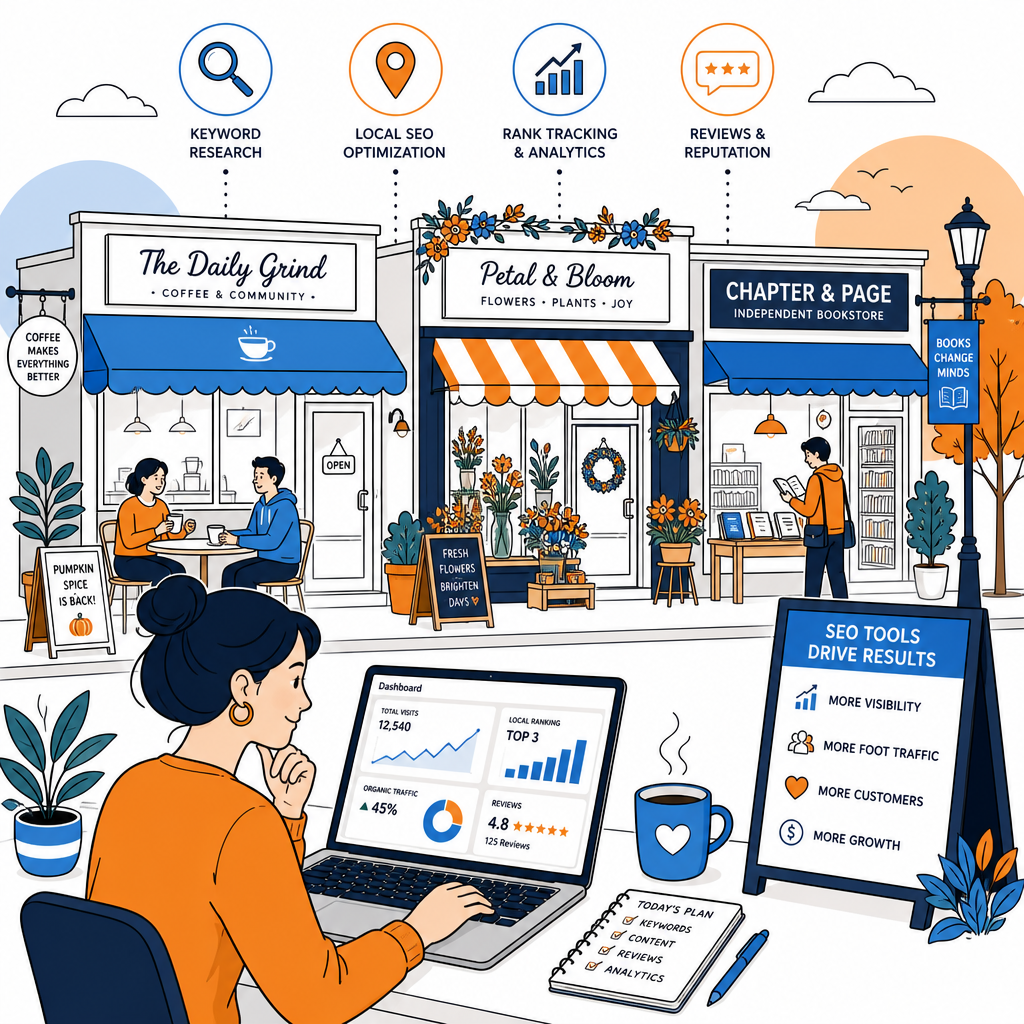
12 Tools the Sexiest SEO in the World Uses Daily sounds like a title dreamed up over a strong coffee, and perhaps it was. Behind the playful wording sits a useful idea for small High Street businesses: local SEO becomes much easier when you have a reliable set of tools and a simple routine. You do not need a huge marketing budget or a room full of specialists. You need clear information about how people find your shop, café, salon, studio or service business online.
A business can have a lovely shopfront and still be hard to find on Google. Someone searching for a florist in York, a barber near Bristol Temple Meads or an independent bookshop in Leeds needs accurate details at the moment they are ready to visit. These tools help you keep those details tidy, understand local demand and spot opportunities that might otherwise pass quietly by.
12 Tools the Sexiest SEO in the World Uses Daily
The best local SEO tools are not always the flashiest. Some are free and slightly plain-looking, though they provide information you can act on immediately. The tools below cover business listings, search behaviour, website performance, reviews and local competitors. You can start with three or four, then add more as your routine becomes familiar.
Begin with Google Business Profile, Google Search Console, Google Analytics and a review platform. Those four can tell you where customers find you, what they do next and which parts of your listing need attention.
1. Google Business Profile
Google Business Profile is the central tool for local search. It controls much of the information people see in Google Search and Google Maps, including your address, opening hours, phone number, website, photos, services and customer reviews. For a High Street business, an accurate profile can influence whether someone walks through the door.
Check it each week. Add recent photographs, publish short updates and keep holiday hours current. A café might post a new lunch menu, while a clothes shop could highlight a seasonal collection. These updates give people a reason to choose you today.
2. Google Search Console
Search Console shows the searches that bring people to your website. You can see phrases, pages, impressions and clicks. The information often reveals useful details about what potential customers want. A repair shop may find that people search for a particular appliance model, while a personal trainer discovers interest in a local class page.
Look for pages receiving impressions with few clicks. Their titles and descriptions might need clearer wording. Search Console also reports technical problems, indexing issues and mobile performance, which makes it a useful weekly health check.
3. Google Analytics 4
Google Analytics 4 helps you understand what visitors do after arriving on your website. You can track calls, contact form submissions, directions clicks and online bookings, depending on how your site is set up. The report can feel a little crowded at first, so focus on a few events connected to real business outcomes.
Pay attention to landing pages and traffic sources. If a service page attracts visits but produces no enquiries, its wording, layout or contact details may need some attention. This is where local SEO becomes connected to the customer journey.
4. Google Keyword Planner
Keyword Planner is useful for finding the words people use when looking for local products and services. You can enter a broad term such as “wedding photographer” or “vegan bakery” and explore related searches. Add location words where they make sense, including your town, neighbourhood or nearby landmark.
- Service searches, such as “alterations near me”
- Location searches, such as “independent jeweller Norwich”
- Problem searches, such as “shoe repair leather boots”
- Action searches, such as “book a massage in Bath”
Use the findings to shape page titles, service pages and helpful articles. A list of keywords sitting in a spreadsheet rarely brings visitors by itself.
5. BrightLocal
BrightLocal is designed for local search work. It can track rankings by location, audit citations and monitor reviews. This matters because your business may appear prominently in one part of town and much lower in another. Local results shift across a few streets, especially in busy cities.
The reporting features are useful when you manage SEO for more than one branch. A small independent business can use the rank tracker to watch important searches once or twice a month, then spend time improving the pages that support those searches.
6. Semrush
Semrush offers keyword research, competitor analysis and site auditing in one platform. It can show which topics other local businesses cover and which pages attract links. The full platform is more detailed than many small businesses need, although a limited project can still be helpful.
Use it to compare your services with nearby competitors. You may notice that several businesses have pages for specific treatments, delivery areas or customer questions that your website has not covered. That is a prompt for useful content, rather than an invitation to copy.
7. Ahrefs
Ahrefs is particularly strong for researching backlinks and content. Local businesses can use it to find websites that mention similar companies, such as local newspapers, community groups, event organisers and trade directories. Those sources often provide more relevant visibility than a random directory with thousands of unrelated listings.
Try searching for competitors and reviewing their referring domains. A local theatre might have links from an arts calendar, while a restaurant could appear on a food guide. Consider which local relationships would make sense for your own business.
8. Screaming Frog SEO Spider
Screaming Frog crawls a website and identifies practical issues such as broken links, missing page titles, duplicate content and slow-loading images. The free version is enough for many small websites. It feels technical for the first few uses, though the core reports are manageable once you know what to look for.
Start with broken links and missing titles. A page called “Page 1” tells Google and customers very little. A clear title such as “Men’s Haircuts in Richmond | Oak Street Barbers” gives the page a useful local context.
9. PageSpeed Insights
PageSpeed Insights checks how quickly and smoothly your website loads on mobile and desktop. This matters for people searching while walking around town, travelling by bus or standing outside a shop. Large images and unnecessary scripts often create avoidable delays.
Compress photographs before uploading them, choose a sensible image size and ask your developer about anything that consistently slows the site. A fast page makes it easier for visitors to check opening hours, call your business or book an appointment.
10. Whitespark
Whitespark focuses on local citations, rankings and reputation. Citations are online references to your business name, address and phone number. They can appear in directories, local websites and industry listings. Accuracy matters here because small differences in addresses or phone numbers can create confusion.
Review your most important listings first. Visit your local council directory, chamber of commerce, professional association and trusted town guides. A handful of relevant listings carries more practical value than a long collection of low-quality sites.
11. ReviewTrackers
ReviewTrackers helps businesses monitor customer feedback across several platforms. Reviews influence local visibility and customer confidence, particularly for restaurants, salons, tradespeople and appointment-led businesses. Even a small company can benefit from knowing when a new review appears.
Reply in a calm, personal way. Mention the service where it feels natural, thank the customer for taking the time and move complaints into a private conversation when appropriate. Ask satisfied customers for reviews after a completed job or a pleasant visit.
12. Canva
Canva is not an SEO platform in the traditional sense, although it earns a place in this list because local search depends on useful, current content. You can create Google Business Profile updates, social posts, event graphics and simple service guides without waiting for a designer.
Keep designs readable and consistent. Use real photographs where possible, especially for a shop, venue or hospitality business. People like seeing what a place looks like before they visit, and a tidy image can make an ordinary listing feel more familiar.
| Tool | Best use | How often to check |
|---|---|---|
| Google Business Profile | Listings, photos and reviews | Weekly |
| Search Console | Search terms and site health | Monthly |
| BrightLocal | Local rankings and citations | Monthly |
| PageSpeed Insights | Mobile performance | Quarterly |
A simple local SEO routine for a High Street business
You do not need to open all twelve tools every morning. That would take time away from serving customers, which rather defeats the point. Set aside 20 minutes each week to check your Google Business Profile, answer reviews and look for any changes in opening information. Once a month, review Search Console, Analytics and your local ranking report.
Every few months, crawl the website, test its mobile speed and check the main business directories. Record the changes you make in a simple document. Local SEO often grows through small improvements, and notes help you see which changes brought more calls, visits or enquiries.
The takeaway for independent businesses
The joke in 12 Tools the Sexiest SEO in the World Uses Daily is easy to understand. Good SEO has a certain appeal when it turns vague online activity into useful customer visits. For a small High Street business, the winning approach is steady and practical: keep your details accurate, publish material that helps local people and use data to decide what deserves attention next.