
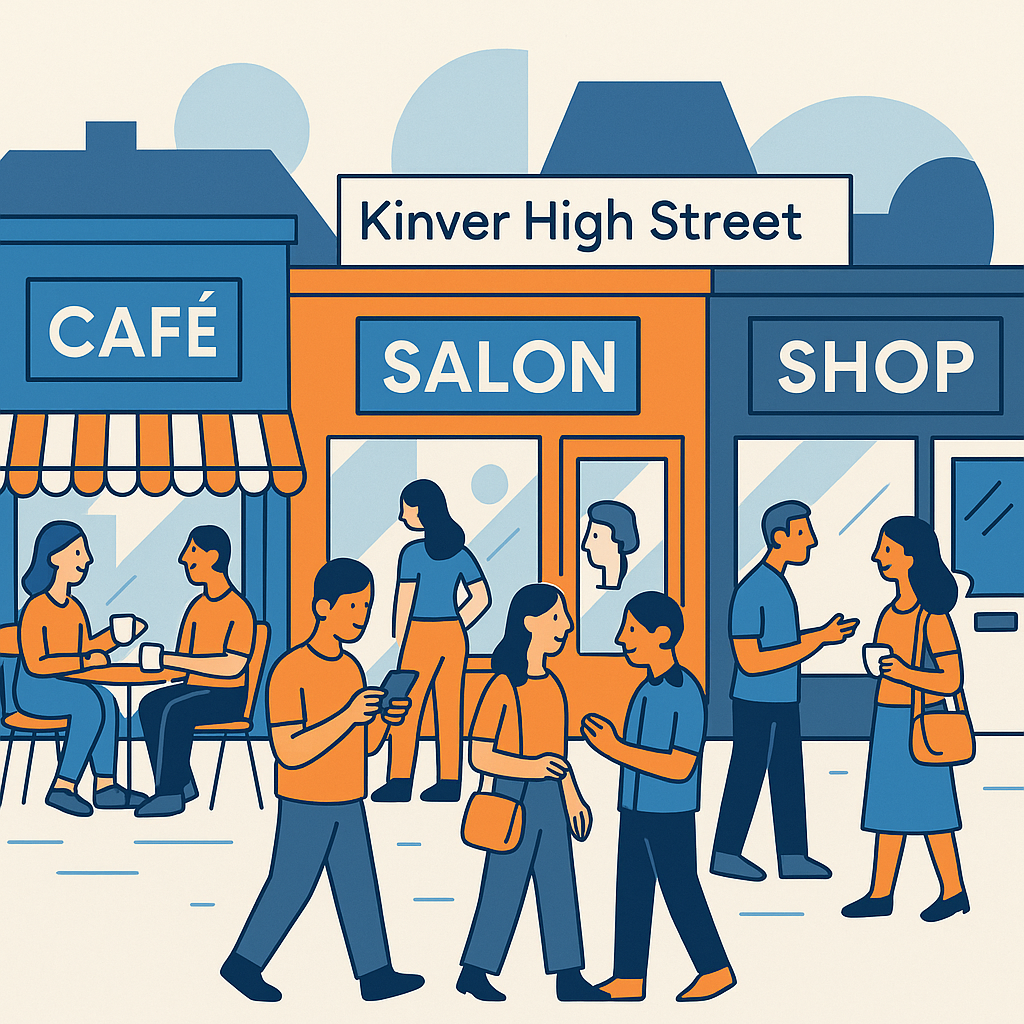
If you run a shop, café, salon, trade business, clinic, or any other small High Street business, knowing How to Optimise Your Google Business Profile for Kinver Searches can make a surprisingly big difference. It is one of those marketing tasks that feels small at first, almost like admin, but it can affect whether someone finds you while standing on the High Street, driving through the village, or searching from home before heading out.
Local SEO is not just for large companies with marketing teams. In fact, small businesses in places like Kinver often have a stronger chance of standing out because searchers are looking for something nearby, familiar, and trustworthy. They might type “hairdresser near Kinver”, “best café in Kinver”, “plumber Kinver”, or simply search on Google Maps while walking around. Your Google Business Profile is usually one of the first things they see.
The slightly awkward part is that many businesses create a profile and then leave it alone for years. Opening hours become outdated. Photos get old. Reviews go unanswered. Categories are too vague. None of this is disastrous on its own, but together it can quietly push your business below competitors who are a bit more active. So, let’s go through the practical steps, with Kinver in mind rather than generic advice that could apply anywhere.
How to Optimise Your Google Business Profile for Kinver Searches: Start with the essentials
Before worrying about clever tactics, get the basics right. Google needs to understand who you are, what you do, where you are, and when people can visit or contact you. It sounds obvious, but this is where many local profiles become messy. A business might have one name on its shop sign, another on its website, and a slightly different version on Google. To a person, that is probably fine. To Google, it creates uncertainty.
Use your real business name, not a stuffed version full of keywords. For example, “The Kinver Flower Shop” is fine if that is your actual name. “The Kinver Flower Shop Best Florist Wedding Flowers Same Day Delivery” is not. It looks spammy, and Google may edit or suspend it. Tempting though it is, do not overdo it.
- Check your business name matches your signage and website.
- Make sure your address is complete and formatted correctly for a UK audience.
- Use a local phone number if you have one, rather than only a national call centre number.
- Add your website link, booking link, menu link, or appointment page where relevant.
- Set accurate opening hours, including bank holidays and seasonal changes.
For Kinver businesses, the location details matter. If you are based on or near the High Street, include the precise address. If you are a service-area business, such as a mobile hairdresser, electrician, gardener, or dog groomer, you may not want to show your home address. That is fine. You can hide the address and define the areas you serve, such as Kinver, Stourbridge, Wordsley, Wollaston, Enville, Cookley, and surrounding villages. Be realistic, though. Claiming you serve the whole of the West Midlands when you mostly work within a few miles can weaken the local relevance.
Quick profile health check
| Business name | Matches signage, website, and invoices |
| Address or service area | Specific enough for Kinver searches |
| Opening hours | Updated for bank holidays and seasonal changes |
| Primary category | Accurately describes your main service |
Choose categories that match how people actually search
Categories are easy to overlook, partly because they are not very exciting. Still, they are one of the strongest signals Google uses to decide when your profile should appear. Your primary category should describe your main business, not every possible thing you offer. A café should usually choose “Café” rather than “Restaurant” if that is what people expect when they arrive. A beauty salon should not choose “Nail salon” as the primary category unless nails are genuinely the main service.
Secondary categories can help fill in the gaps. A Kinver pub that serves food might have “Pub” as the primary category and add “Restaurant” or “Beer garden” if appropriate. A local garage might use “Car repair and maintenance service” as the primary category and add “MOT centre” if that is a key service. The trick is to be accurate without being timid. If you offer it properly, include it. If it is only something you do now and then, maybe leave it out.
I always think categories are a bit like the sign above your door. They set expectations. If someone turns up expecting one thing and finds another, that is not great for them or for your reviews.
Write a business description that feels local, not generic
Your business description should not read like it was copied from a national brochure. You have 750 characters available, although only part of it may show at first glance, so use the space well. Mention what you do, who you help, and where you are based. For example, a local independent shop might mention being close to Kinver High Street, serving local residents and visitors, or being near a recognisable landmark.
Do not force place names into every sentence. That can sound odd. But do use natural local language. If you serve Kinver and nearby areas, say so. If your customers often come from Stourbridge, Wollaston, Kidderminster, or the surrounding Staffordshire countryside, include that where it makes sense.
A good local description should answer three questions quickly: what do you do, where do you do it, and why should someone choose you over the business down the road?
You might write something like: “We are an independent café in Kinver, serving fresh coffee, homemade cakes, light lunches, and weekend breakfasts. Based close to the village High Street, we welcome local residents, walkers, cyclists, and visitors exploring Kinver Edge.” That is simple, but it gives Google and customers useful context.
Add photos that show the real business people will visit
Photos are a big trust signal. They also help people make quick decisions. If your profile has no photos, or only one blurry image uploaded four years ago, it may not inspire much confidence. This is especially true for hospitality, retail, beauty, fitness, and health businesses, but it matters for trades too. People like to see vans, uniforms, work examples, and a sense that the business is active.
You do not need a professional photo shoot, although it can help. A modern phone and decent natural light are often enough. Take photos of the outside of your premises so people can recognise it from the street. Add images of the interior, products, staff, work in progress, finished projects, menus, treatment rooms, or anything that helps a customer understand the experience.
- Upload a clear exterior photo, ideally showing the shopfront or entrance.
- Add recent interior photos so customers know what to expect.
- Show your products, dishes, treatments, services, or completed work.
- Include team photos if your staff are comfortable with it.
- Refresh images every few months, even if only with two or three new ones.
For seasonal businesses, photos can be particularly useful. Christmas displays, summer seating, spring planting, autumn menus, or local event decorations can all make the profile feel alive. It is a small thing, but when I see recent photos on a business profile, I immediately trust the listing more.
Best photo types
Shopfront, team, products, service examples, menus, treatment rooms, completed projects, and seasonal displays.
Avoid if possible
Dark images, heavy filters, old branding, empty rooms, stock photos, and anything that no longer reflects the business.
Use posts, products, and services to add useful detail
Google Business Profile lets you add posts, products, and services. Not every business uses these features, so they can help you stand out a little. Posts are good for announcements, offers, events, new stock, seasonal menus, or temporary changes. They do not need to be long. In fact, short and clear is better.
The services section is important for many local businesses. A hair salon could list cutting, colouring, balayage, children’s cuts, bridal styling, and blow-dries. A plumber could list boiler repairs, bathroom plumbing, leak detection, radiator fitting, and emergency call-outs. Each service can include a short description and, if appropriate, a price or price range.
Products can also be useful, even if you do not sell online. A gift shop in Kinver, for instance, could feature cards, candles, local crafts, homeware, and seasonal gifts. A bakery could showcase celebration cakes, sourdough, pastries, and lunch options. People may not buy directly from the profile, but they get a better reason to visit.
Encourage reviews without making it awkward
Reviews are one of the most visible parts of your Google Business Profile. They affect trust, click-throughs, and often rankings too. A business with a steady stream of recent, genuine reviews usually feels more active than one with ten reviews from 2019. The difficult bit is asking for them. Some owners feel uncomfortable, which is understandable. Nobody wants to sound pushy.
The best time to ask is when a customer has just had a good experience. You can say something simple: “If you have a minute later, a Google review really helps local businesses like ours.” That is enough. You can also include a review link on receipts, appointment reminders, follow-up emails, business cards, or signs near the till.
- Create a short Google review link from your profile dashboard.
- Ask happy customers shortly after their visit or completed job.
- Keep the request polite and low-pressure.
- Never offer rewards in exchange for positive reviews.
- Reply to every review where possible, even with a short thank you.
Replies matter more than some people think. They show that you are present and paying attention. For positive reviews, thank the customer naturally and perhaps mention the service they used. For negative reviews, stay calm. Do not argue in public, even if the review feels unfair. A measured response can actually reassure future customers.
Small but useful tip: when replying to reviews, mention your service naturally. For example, “Thanks for visiting us for lunch in Kinver” or “We are glad we could help with your boiler repair.” Do not overstuff keywords, just be specific.
Keep your Kinver details consistent across the web
Google does not judge your profile in isolation. It looks at your website, directories, social media pages, local citations, and sometimes mentions in local publications. Your name, address, and phone number should be consistent across these places. This is often called NAP consistency, although that sounds more technical than it needs to be.
Check obvious places first: your website contact page, Facebook, Instagram, Yell, Bing Places, Apple Maps, TripAdvisor if relevant, local chamber or business listings, and any old directory entries. If you moved premises, changed phone number, or rebranded, old information may still be floating around. It is annoying, yes, but worth tidying up.
Your website should also support your Google profile. Add clear contact details, opening hours, directions, and pages for your main services. If you are targeting Kinver customers, do not hide the location. A page that says “we serve customers across the local area” is weaker than one that clearly mentions Kinver, nearby villages, and the types of customers you help.
Pay attention to Google Maps behaviour
Many Kinver searches happen on Google Maps, not just the normal search results page. This is especially true on mobile. Someone might search while sitting in the car, planning a dog walk near Kinver Edge, or trying to find somewhere for lunch. Maps results are practical. People compare distance, opening times, star ratings, photos, and whether the business looks like it solves their immediate problem.
That means small details matter. If your opening hours say you are closed when you are actually open, you may lose the visit. If your phone number is wrong, the customer will move on. If your profile says “no website” even though you have one, you look less established. None of these are dramatic mistakes, but they add friction, and local searchers are not always patient.
It is worth checking your profile from a customer’s point of view. Search for your business name. Search for your service plus Kinver. Search on a phone. Look at what competitors show. This is not about copying them exactly. It is more about noticing what your profile lacks.
Measure what is working, but do not obsess over every movement
The performance section inside Google Business Profile gives useful information. You can see how people find you, what search terms they use, how many calls or website clicks you receive, and sometimes direction requests. It is not perfect data, and it can fluctuate for reasons outside your control. Still, it gives you a sense of whether your profile is becoming more useful.
Look for patterns rather than daily changes. Are more people finding you through discovery searches rather than just your business name? Are direction requests increasing? Are phone calls rising after you updated services or added photos? These signals help you decide what to improve next.
A monthly routine is usually enough for most small High Street businesses. If you are in a competitive category, such as food, beauty, trades, or professional services, you may want to update it more often. But consistency beats bursts of activity followed by six months of silence.
Conclusion: make your profile useful, current, and genuinely local
The main thing to remember about How to Optimise Your Google Business Profile for Kinver Searches is that it is not about tricking Google. It is about making your business easier to understand, easier to trust, and easier to visit or contact. Google wants to show searchers relevant local options. Your job is to give it clear, accurate, and fresh information.
For a small High Street business, that means getting the essentials right, choosing accurate categories, adding real photos, collecting steady reviews, and keeping your details consistent across the web. It also means sounding like a local business, not a faceless listing. Mention Kinver where it is natural. Show what makes your business worth visiting. Keep the profile alive.
None of this has to be complicated. Set aside a little time each month, perhaps half an hour, and treat your Google Business Profile like your digital shop window. Because for many customers, especially those searching nearby, that is exactly what it is.