
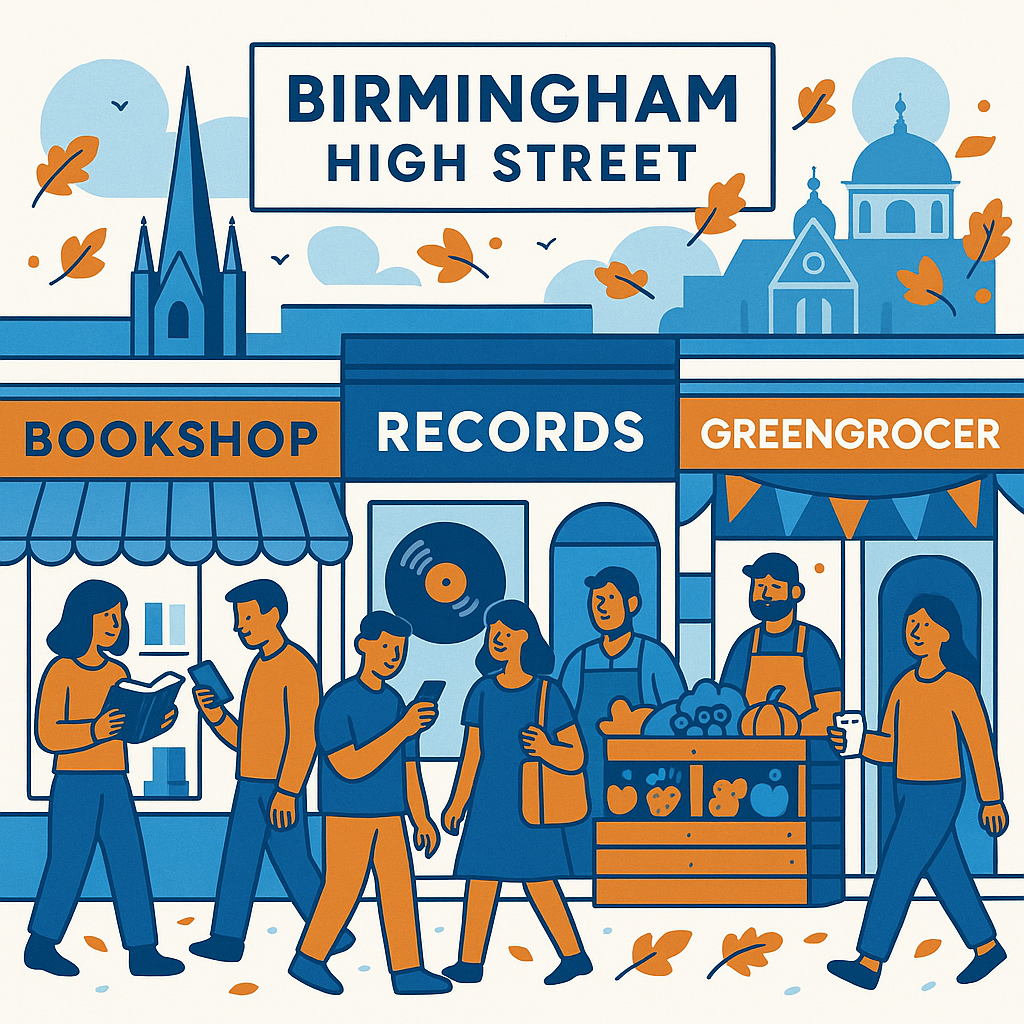
If you run a small High Street business, knowing How to Create Location Pages That Rank for Birmingham Area Searches can make a real difference to how often local customers find you. Not in a vague, “more visibility is nice” sort of way, but in the practical sense of getting more calls, more visits, and more people checking whether you are open on a rainy Tuesday afternoon.
Birmingham is a big, busy, slightly complicated place to target online. Someone searching in Moseley may not behave the same way as someone in Sutton Coldfield, Harborne, Erdington, Kings Heath, or Digbeth. Even if they are looking for the same thing, they often add a local phrase, a postcode area, or a nearby landmark. That is where location pages come in. Done well, they help Google understand where you operate and help real people feel that your business is genuinely relevant to their area.
How to Create Location Pages That Rank for Birmingham Area Searches
A strong Birmingham location page is not just a copied service page with “Birmingham” added a dozen times. People used to get away with that, perhaps, but it feels thin now. Search engines are better at spotting generic content, and customers are too. A good page should answer a very simple question: why should someone in this part of Birmingham choose your business?
That means each page needs a clear local angle. If you are a florist in the Jewellery Quarter, mention same-day delivery around Colmore Row, corporate arrangements for offices, or wedding venues you commonly serve. If you are a café in Kings Heath, talk about nearby footfall, local events, parking, or the kind of customers who pop in. It sounds obvious, but many location pages still miss this human detail.
Quick local SEO test
Read your location page and remove the place name. If the page could apply to any town in the UK, it probably is not local enough yet.
Start with the search intent, not just the suburb name
Before creating a page for every Birmingham area you can think of, slow down a little. It is tempting to build pages for Edgbaston, Solihull, Selly Oak, Perry Barr, Bearwood, and anywhere else nearby. But if those pages do not match how customers actually search, they may sit there doing very little.
Search intent is about what the person wants at that moment. Are they trying to visit a shop today? Compare prices? Book a service? Check if you cover their postcode? A plumber in Northfield, for example, may need pages that focus on emergency call-outs and service coverage. A boutique in Birmingham city centre may need pages that highlight directions, stock, opening hours, and nearby parking. Same city, different intent.
- Look at the phrases customers already use when they call or email you.
- Check Google Search Console for local queries that include Birmingham areas or postcodes.
- Search your own service plus an area name and see what kind of pages Google currently rewards.
- Notice whether map listings, directories, service pages, or blog posts appear most often.
- Prioritise areas where you genuinely serve customers and can write something useful.
I think this is where many small businesses accidentally overcomplicate things. You do not need fifty location pages on day one. Five strong, specific pages will usually do more than thirty rushed ones.
Choose the right Birmingham areas to target
Not every local page needs to target “Birmingham” on its own. In fact, broader city terms are often more competitive. Smaller High Street businesses may get better results by targeting neighbourhoods, nearby towns, postcode areas, or combinations such as “accountant near Edgbaston” or “wedding florist Harborne Birmingham”.
That does not mean you should invent coverage. If your business is based in Acocks Green and you rarely travel to Sutton Coldfield, creating a Sutton Coldfield page may feel a bit forced. Google can pick up on weak signals, and customers certainly can. It is better to focus on areas where you have real links: regular customers, delivery routes, staff knowledge, past projects, events, or community involvement.
| Target area type | Example | Best used when |
|---|---|---|
| City-wide | Birmingham | You serve the whole city or have a strong central presence. |
| Neighbourhood | Moseley, Harborne, Digbeth | You want to reach local customers with area-specific needs. |
| Postcode area | B13, B17, B30 | Customers often search by postcode or delivery coverage. |
| Nearby landmark | Near Bullring, NEC, University of Birmingham | Footfall, directions, or visitor searches matter. |
Build each page around genuinely useful local content
The page should feel like it was written by someone who knows the area, or at least took the time to understand it. This does not mean cramming in every landmark from Wikipedia. Actually, that can feel worse. A short, relevant mention of Cannon Hill Park, the Bullring, Grand Central, or the Custard Factory is useful only if it connects to your service or customer experience.
For a High Street business, practical details matter. Customers want to know whether you are close enough, easy to reach, trustworthy, and suitable for what they need. So your page should include more than sales copy. Add details that reduce uncertainty.
- A short introduction to the service or product offered in that Birmingham area.
- Specific examples of customers, jobs, deliveries, or visits in that location.
- Travel information, parking notes, public transport links, or walking directions if relevant.
- Local testimonials or reviews from customers in the area.
- Clear contact details, opening times, and a strong call to action.
- Photos from the shop, team, local projects, or recognisable nearby streets where appropriate.
Photos are worth mentioning twice, honestly. A real image outside your premises, a team member serving a customer, or your van parked near a known area often feels more trustworthy than another polished stock image. It gives the page a bit of life.
Get the on-page SEO basics right
Local detail is important, but the technical basics still count. Your title tag, meta description, headings, internal links, image alt text, and URL all help search engines understand the page. They also help customers decide whether to click.
A clean structure usually works best. For example, a page targeting a hair salon in Harborne might use a URL like /hair-salon-harborne/ rather than something long and messy. The main heading should be clear. Supporting headings can cover services, directions, prices, reviews, and FAQs.
Title tag
Include the service and location naturally, such as “Independent Optician in Harborne”.
URL
Keep it short, readable, and focused on the area or service.
Headings
Use them to organise useful information, not to repeat keywords awkwardly.
Calls to action
Make it easy to call, book, visit, request a quote, or ask a question.
Avoid making every page identical. If all you change is the area name, the pages may compete with each other or be ignored. Write unique introductions, add different FAQs, use area-specific testimonials, and link to the most relevant services. It takes longer, yes, but it usually pays off.
Connect location pages to your Google Business Profile
Your website and Google Business Profile should support each other. If you have one shop, your main location page should match the name, address, phone number, categories, opening hours, and services shown on your profile. If you have multiple branches around Birmingham or the West Midlands, each branch should have its own page with the correct address and contact details.
Consistency is not exciting, but it matters. Small differences in your business name, old phone numbers, or outdated opening times can create confusion. It is not always disastrous, but it is untidy. And local SEO is often about building trust through lots of small signals.
- Check your name, address, and phone number on your website.
- Compare them with your Google Business Profile.
- Update old directory listings where possible.
- Link from your Google profile to the most relevant page, not always just the homepage.
- Encourage customers to mention the service and area naturally in reviews.
Use internal links like signposts
Internal links help visitors and search engines move around your site. They are easy to overlook because they feel less glamorous than new content, but they can make a noticeable difference. Your main services page should link to relevant Birmingham location pages. Your location pages should link back to core services, contact pages, FAQs, and perhaps useful blog posts.
For example, a local bakery could link from a “birthday cakes Birmingham” page to pages for cake delivery in Kings Heath, wedding cakes in Edgbaston, and corporate catering near the city centre. It creates a web of relevance. Not too forced, just helpful.
Think of internal links as polite directions: “If this is what you need, you might also want to look here.”
Add trust signals for Birmingham customers
People searching locally are often close to making a decision. They may be comparing three businesses on their phone, half distracted, maybe standing outside New Street Station or sitting at home in Stirchley. Trust signals can tip them towards you.
Reviews are the obvious one, but there are others. Local awards, trade memberships, years in business, community sponsorships, case studies, supplier relationships, and real customer photos can all help. Even simple statements such as “family-run since 2008” or “serving customers across South Birmingham” add context.
Small detail, big effect
If you mention that customers can park nearby, book online, visit without an appointment, or call for same-day availability, you remove tiny doubts that might stop an enquiry.
Do not forget mobile users
A large share of local searches happen on mobile. That is hardly news, but it changes how your location pages should behave. A visitor should not need to pinch, zoom, scroll endlessly, or hunt for your phone number. The page needs to load quickly and make the next step obvious.
Place your key information near the top: what you offer, where you are, whether you serve that area, and how to contact you. Add click-to-call buttons if phone enquiries matter. Use maps carefully too. Embedded maps can be useful, but they may slow the page down if overused. One good map is usually enough.
Measure what is working and improve over time
Location pages are not something you publish once and forget. At least, they should not be. Check which pages get impressions, clicks, calls, form submissions, and direction requests. Some may surprise you. A page you thought was secondary might bring in steady enquiries because the competition is weaker or the intent is clearer.
Use Google Search Console, Google Analytics, call tracking if appropriate, and your own customer conversations. Ask new customers how they found you. It is old-fashioned, but it still works. If someone says, “I searched for a shop near Digbeth and you came up,” that is useful information.
- Update pages with new reviews, photos, or service details.
- Add FAQs based on real customer questions.
- Improve weak pages rather than immediately creating more.
- Check rankings for both city-wide and neighbourhood searches.
- Remove or merge pages that are too thin or too similar.
Final thoughts
Learning How to Create Location Pages That Rank for Birmingham Area Searches is really about balancing search visibility with local usefulness. You want Google to understand your relevance, of course, but you also want a real person in Birmingham to land on the page and think, “Yes, this business is actually for me.”
Start with the areas that matter most to your business. Write pages that show genuine local knowledge. Keep the technical SEO clean, link pages together sensibly, and add the practical details customers care about. It may not feel dramatic at first, but over time these pages can become some of the hardest-working parts of a small High Street business website.