
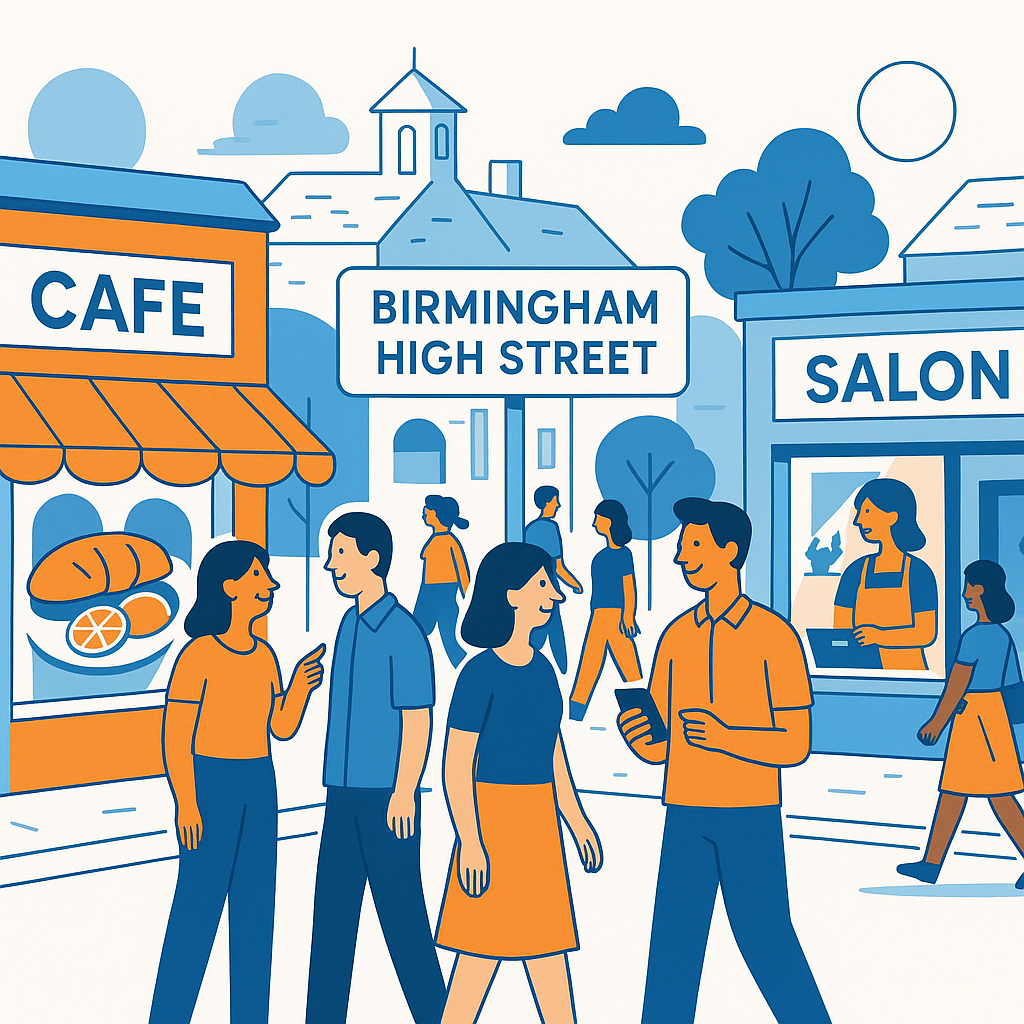
If you run a small High Street business, these Image Optimisation Tips for Birmingham Websites: Alt Text, Compression & More can make a surprisingly real difference to how people find and use your website. Images are often treated as decoration, something added at the end when the “proper” website work is done. But for local businesses in Birmingham, from cafés in Moseley to salons in Harborne or repair shops near Digbeth, images can help customers understand where you are, what you offer, and whether they trust you enough to visit.
The slightly annoying thing is that images can also slow a website down, confuse search engines, and make pages harder to use if they are not handled properly. I have seen lovely local business websites with huge photo files, vague file names like IMG_4829.jpg, and no alt text at all. They look fine at first glance. Then you try them on a mobile connection while standing outside New Street Station, and suddenly the page feels heavy and slow.
Image Optimisation Tips for Birmingham Websites: Alt Text, Compression & More
Image optimisation is not just a technical job. It sits right in the middle of user experience, accessibility, and local SEO. For small Birmingham businesses, that matters because many potential customers are searching on mobile, often nearby, and usually with little patience. If your page loads quickly and clearly shows what you do, you have a better chance of keeping them.
Google also uses page experience signals, image context, file names, alt text, and surrounding content to understand pages. It is not magic, and no single image trick will suddenly put you at the top of local results. Still, lots of small improvements add up. A compressed team photo, a properly labelled shopfront image, a clear product picture, and a faster gallery can all support your wider local SEO work.
Quick local SEO reminder
For a High Street business, images should do two things at once: help real people make a decision, and help search engines understand the local relevance of the page. A photo of your storefront, your team, your products, or your work in Birmingham is often more useful than a generic stock image.
Why images matter for local Birmingham businesses
People searching locally are usually looking for reassurance. They want to know whether your place looks genuine, whether your food looks good, whether your clinic seems professional, or whether your shop is easy to recognise from the street. Images answer those questions faster than text. A strong set of local photos can quietly build trust before someone even reads your opening hours.
There is also a practical side. Birmingham is busy, and local searches often happen in small moments: on the bus, during a lunch break, while comparing two shops a few streets apart. Slow images can make someone bounce back to Google and click a competitor. It sounds a bit harsh, but that is how people behave online, myself included sometimes.
Images may also appear in Google Images, Google Business Profile posts, local landing pages, blog articles, and product listings. If you have pages for areas like Jewellery Quarter, Kings Heath, Edgbaston, Sutton Coldfield, or Solihull, the right images can support those pages and make them feel less generic. The key is to use genuine local context where possible, not forced keyword stuffing.
Use alt text properly, not mechanically
Alt text is short descriptive text added to an image. Its main purpose is accessibility. Screen readers use it to describe images to people who cannot see them clearly, or at all. Search engines can also use alt text to understand what an image shows, but that should not be the only reason you write it.
Good alt text is specific, natural, and useful. If an image shows the front of your bakery on a street in Birmingham, say that. If it shows a plumber repairing a boiler in a customer’s home, say that too. You do not need to cram in every keyword. In fact, doing that can make your site feel clumsy and spammy.
- Bad alt text: “image”
- Also bad: “best Birmingham bakery Birmingham cakes local bakery Birmingham”
- Better: “Front window display at a bakery in Birmingham city centre”
- Better: “Hair stylist cutting a customer’s hair at a Birmingham salon”
- Better: “Independent bookshop counter with new fiction titles in Kings Heath”
A useful test is to imagine reading the page over the phone to someone. Would the alt text help them understand what is there? If yes, it is probably on the right track. If it sounds like a list of search terms, rewrite it.
| Image type | Alt text approach | Example |
|---|---|---|
| Shopfront | Describe the business and location if relevant. | “Entrance to an independent florist in Birmingham” |
| Product photo | Describe the item clearly. | “Handmade silver necklace on display” |
| Team photo | Explain who or what is shown. | “Reception team at a Birmingham dental practice” |
| Decorative graphic | Leave empty if it adds no meaning. | alt="" |
Compress images before they slow everything down
Compression is one of the simplest ways to improve website speed. Modern cameras and phones take large, detailed photos. That is brilliant for print, not always brilliant for a website. Uploading a 6MB image straight to your homepage is like asking every visitor to carry a suitcase through the door before they can look around.
For most small business websites, images do not need to be enormous. A large banner might be around 1600 to 2000 pixels wide, depending on the design. A blog image may only need to be 1200 pixels wide. Product thumbnails can be smaller. The exact size varies, yes, but the principle stays the same: do not serve more image than the visitor needs.
- Resize the image to the display size your website actually needs.
- Compress it using a reliable tool or WordPress image plugin.
- Use modern formats such as WebP where possible.
- Check the image still looks sharp enough on mobile and desktop.
- Avoid uploading multiple near-identical versions unless you really need them.
Tools like TinyPNG, Squoosh, ShortPixel, Imagify, or built-in hosting features can help. Some WordPress themes and plugins also generate responsive image sizes automatically. That said, it is worth checking. Automation is useful, but it is not always perfect, especially on older sites that have been passed between different designers over the years.
Choose the right file format
File format can feel dull, but it affects speed and quality. JPEG is still common for photographs. PNG is useful for graphics needing transparency, although it can be heavy. WebP is now widely supported and often gives smaller file sizes while keeping decent quality. SVG can work well for logos and icons, provided it is used safely and correctly.
For a Birmingham café, for example, photos of food and interiors might work well as WebP or compressed JPEG. A logo might be SVG or PNG. A simple icon set should not be uploaded as giant PNG files if a smaller SVG would do. Small decisions, but they make the website feel cleaner and quicker.
JPEG
Good for standard photos, especially if compressed well. Still widely used and reliable.
WebP
Often smaller than JPEG or PNG. A strong choice for faster WordPress websites.
PNG
Useful for transparency, but can be large. Best used selectively, not everywhere.
Name image files with local context
Before you upload an image, give it a sensible file name. This is easy to forget. A file called birmingham-jewellery-quarter-watch-repair.jpg is more helpful than DSC00918.jpg. It gives search engines a small extra clue, and it keeps your media library more organised. You will thank yourself later, probably when looking for one specific image six months from now.
Keep file names lowercase, use hyphens between words, and avoid long strings of unnecessary keywords. Local terms can be useful when they are accurate. If the photo was taken at your premises in Selly Oak, say so. If it is just a stock image of a handshake, do not pretend it is Birmingham-specific. That kind of thing may not cause a dramatic penalty, but it chips away at quality.
Use original local images where you can
Stock images have their place. They can make a page look polished when you have nothing else. But for local SEO, original images usually carry more value. They show your real shop, your real team, your real products, your real area. And people can tell. Maybe not always consciously, but they can often sense when a website is filled with generic photos.
For High Street businesses, a simple photo set can go a long way: your frontage, inside the premises, staff at work, popular products, nearby landmarks if appropriate, and a few behind-the-scenes shots. They do not all need to be magazine quality. Clear, bright, honest images are often better than over-polished ones that feel detached from the actual business.
A real photo of your shop on a Birmingham street can sometimes do more for trust than a perfect stock image of smiling strangers.
Think about mobile users first
Most local searches happen on mobile. That means your images need to load quickly, crop sensibly, and not push important information too far down the page. A beautiful full-screen image might look impressive on a desktop monitor, but on a phone it can become a barrier between the visitor and your phone number, booking button, menu, or address.
Check your key pages on an actual phone, not just in a browser preview. Look at your homepage, service pages, contact page, location pages, and blog posts. If the first thing you notice is that the hero image takes ages to appear, you have found a problem. If the image crops someone’s head off, that is worth fixing too.
Add images to local landing pages carefully
Many Birmingham businesses create pages targeting nearby areas or services, such as “emergency plumber in Edgbaston” or “wedding florist in Solihull”. Images can strengthen these pages, but only if they are relevant. A page feels more useful when it includes photos of completed work, local deliveries, staff visits, or examples tied to that service.
Avoid making every area page look identical apart from the place name. It is tempting, because it is quicker. But thin, duplicated pages rarely feel convincing. Even one or two unique images, with natural captions and alt text, can make a page feel more grounded. Not perfect, perhaps, but better.
Small business tip: If you complete work for customers across Birmingham, ask for permission to photograph finished projects. Over time, these images can support service pages, case studies, Google Business Profile updates, and social posts.
Do not forget captions, surrounding text and schema
Alt text is important, but it is not the only context search engines see. Captions, headings, nearby paragraphs, page titles, internal links, and structured data all help explain an image. If you add a photo of your Birmingham shopfront to your contact page, the surrounding page should also include your address, opening times, map, and contact details.
Captions can be useful when they genuinely help the reader. For example, “Our repair counter on Corporation Street, open Monday to Saturday” gives practical information. But not every image needs a caption. If you caption everything, pages can start to feel cluttered, like an old brochure. Use judgement.
A simple image optimisation checklist
If you are not sure where to start, begin with your most visited pages. Usually that means the homepage, main service pages, product or menu pages, and contact page. You do not have to fix every image on the website in one sitting. In fact, that can become overwhelming. Work through the important pages first.
- Replace vague file names before uploading new images.
- Resize large photos so they match the layout.
- Compress images and consider WebP format.
- Write natural alt text for meaningful images.
- Leave decorative image alt text empty where appropriate.
- Use original Birmingham business photos where possible.
- Check pages on mobile after making changes.
- Review older blog posts and galleries when you have time.
This kind of maintenance is not glamorous, admittedly. But it is the sort of steady improvement that helps a small business website perform better. Faster pages, clearer content, stronger local signals, and better accessibility all support the same goal: making it easier for customers to choose you.
Conclusion: better images, better local visibility
For Birmingham High Street businesses, image optimisation is a practical part of local SEO, not a technical extra to worry about later. Your images should load quickly, describe your business clearly, and give both people and search engines useful local context. Start with the basics: compress large files, write helpful alt text, use sensible file names, and add real local photos wherever you can.
The good news is that none of this has to be complicated. A few careful updates to your most important pages can make your website feel faster, more trustworthy, and more accessible. If you remember one thing from these Image Optimisation Tips for Birmingham Websites: Alt Text, Compression & More, let it be this: every image should earn its place on the page.